
Every email marketing database has a shelf life. Contacts who once downloaded your latest guide or filled out a form are now sitting in your HubSpot portal, unopened emails piling up behind them. At some point, you have to decide: do you fight for their attention, or let them go?
The answer is: it depends. Today we’ll cover what you need to know about HubSpot re-engagement campaigns, when to use them, and what happens when you get it wrong.
What makes a contact "unengaged"?
HubSpot classifies a contact as unengaged using one of the following metrics:
- Never Engaged: Never opened/clicked a marketing email and has missed the last 11 sent emails.
- Previously Engaged: Previously opened/clicked a marketing email but hasn't opened/clicked the last 16 sent emails.
What is Greymail?
Greymail sits in an uncomfortable middle ground. It is not spam (the contact opted in), but it is not wanted either. Email service providers like Gmail and Outlook have built-in systems to handle it: Gmail's Promotions tab, Outlook's Priority Inbox. If your emails keep landing there unopened, your sender score takes a hit, and that affects your ability to reach even the contacts who do want to hear from you.
Your sender score is calculated based on how often you send, the quality of email addresses on your list, engagement levels across your recipients, adherence to email marketing best practices, and the presence of authentication protocols like DKIM, SPF, and DMARC. The broader consequence of ignoring all this is database decay: a shrinking, disengaged list means fewer sales opportunities, harder-won leads, and more spend just to maintain the same reach.
Of course, email is just one way prospects find and engage with your business. If you are curious whether your brand is showing up in AI-generated search results, Vanguard86's AI Visibility Checker can tell you whether ChatGPT is citing your business when people ask about what you do.

Why contacts go quiet
Not every unengaged contact is a lost cause, but some of them genuinely are, and understanding the difference saves a lot of wasted effort.
Some industries naturally produce high rates of disengagement: home renovation (the project is done), vehicle purchases (one-off decisions), insurance (a grudge purchase at best), and other capital expenditure categories. Once a contact has completed their buying journey, there may simply be nothing relevant left to say to them, at least not yet.
For these contacts, messaging needs to shift. "Buy this" becomes "here is how to get the most out of it." If you cannot make that pivot, it may be better to let them sit as non-marketing contacts until they re-enter the market.

Building a re-engagement strategy
The primary tool in any HubSpot re-engagement campaign is a targeted re-engagement email. This is not your standard newsletter. It needs to earn the open, which means getting the fundamentals right: the sender name, subject line, preview text, and send time all matter more here than in regular campaigns.
The goal is simple: get a click. An open is good, but a click signals genuine re-engagement and is a more reliable metric, particularly given Apple's Mail Privacy Protection, which artificially inflates open rates for Apple device users. When building your segments, use clicks rather than opens as your primary trigger. In practice, here is how to run it:
- Build a list of contacts who have become unengaged (11 or more sends since last engagement, with zero or unknown opens).
- Draft a re-engagement email with a clear value proposition, and consider giving contacts the option to update their preferences or unsubscribe.
- Run an A/B test on subject lines and send times to maximise your chances.
- Monitor clicks, not opens, as your measure of success.
Rather than waiting until contacts hit the unengaged threshold, a workflow lets you intervene earlier. Set a trigger based on list membership, confirm marketing contact status, and send the re-engagement email automatically. Build in a final decision branch: if the contact re-engages, they stay on your list. If not, mark them as a non-marketing contact. This matters practically because HubSpot updates marketing contact counts on the first of each month, and exceeding your limit triggers automatic charges. Keeping your list clean is not just good practice; it is good economics.
Adjusting your broader strategy
A HubSpot re-engagement campaign is a short-term fix. The longer-term question is whether your email marketing segments are doing the work they should be.
Customers who have already bought from you should not be receiving the same content as fresh leads. HubSpot's Smart Modules let you tailor content within a single send, or you can build entirely separate nurture tracks for each audience.
If your unengaged list keeps growing, that is worth sitting with. Are people completing your nurture journey and naturally dropping off? Or are genuine prospects going quiet because your content stopped being relevant? The answer should shape how you build your segments and what you say to each of them.
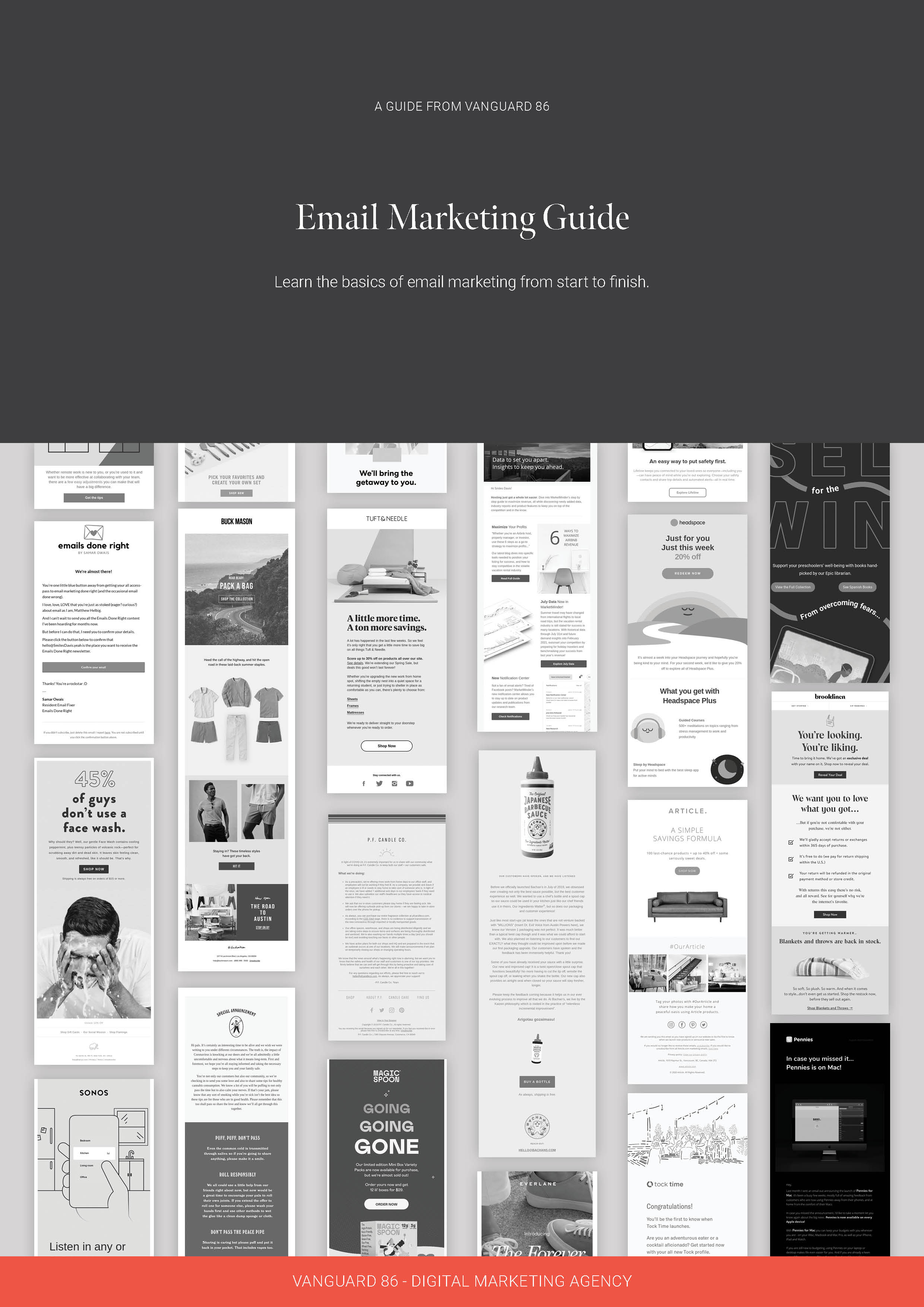
There is a lot more ground to cover when it comes to deliverability, open rates, automation, and personalisation. Download Vanguard86's Ultimate Guide to Email Marketing for in-depth advice on running campaigns that consistently perform.
Download the ultimate guide to email marketing
Learn the basics of good email marketing with our free guide. Understand factors affecting email deliverability, discover the key drivers behind increasing open rates, learn how to improve click-through rates and engagement, and more.
Download now